One step closer to sale.Product, price and stock information
01
THE NEW STANDARD IN CUSTOMER EXPERIENCE
Every conversation
leads somewhere.
Answers a question. Understands a need.
Then completes the next step.
Sales, support, orders and appointments.
Meet the new AI teammate for your business.
Tailored to your businessApproval-led workflowsHuman-centered

KAPSIVA / CONNECTED INTELLIGENCE
A CUSTOMER NEEDS“Can you help me?”
DESIGNED WORKFLOWInformation. Approval. Next step.
UNDERSTAND → CONNECT → COMPLETE↗
Chasing every order.Verified order tracking
02
In the same rhythm as your calendar.Convenient time, confirmed appointment
03
A response to every demand.Support and callback recording
04
KAPSIVA STUDIO INTERACTIVE DEMO
Start with a conversation.
YOUR ARTIFICIAL INTELLIGENCE ASSISTANT
Meet Mira.
getting ready
HERE TO LISTEN TO YOU
00:00
Your experience is being prepared.
The microphone is under your control. Transactions are made with your approval.
START SOMEWHERE
What would you like to ask Mira?
WORD FOR WORD
Live transcript
When your conversation begins, this is where words come to life.
The dump is only shown on this screen; Kapsiva is not saved in the database.
THERE IS A WELL CONSIDERED FLOW BEHIND IT
A natural conversation.
A clear result.
-
01
Listens first.
Your customer explains his needs in his own words.
-
02
Verifies the facts.
Checks the product, order or available time.
-
03
Acts with your approval.
Summarizes the details, obtains approval and records the transaction.
MOBILE WORKSPACE
Technology is in the background.
Your work is always visible.
You can use Kapsiva not only as a talking assistant; We design it as a workspace that manages your company's information, rules and live customer flow in one place.

01 / COMPANY SETUP↗
BUSINESS CONTEXT
Learns your business first.
Sector, services, channels and way of working are defined in the same company area from day one.
Private workspace for the company
02 / ASSISTANT SETTINGS↗
STYLE & AUTHORITY
Speaks in your brand voice.
Boundaries such as greeting language, service scope, and people turnover are managed by your team.
Approved code of conduct
03 / INFORMATION CENTER↗
VERIFIED SOURCE
Works from trusted knowledge.
Products, policies and frequently asked questions are kept up to date; Unknown information is not presented as if it were certain.
Product · Policy · FAQShown is the mobile workspace development preview; Store publication and company integrations are planned according to the project scope.
A PLATFORM. MANY WORK DAYS.
Your industry.
Your way of working.
Product advisor in a store, first greeter in a hotel, point of demand in a service team. Build Kapsiva starting from the most recurring conversation in your business.
 E-COMMERCE & RETAIL
↗
EXAMPLE CUSTOMER NEED“Which table would fit in my small house?”
01 / FROM INDECISION TO THE RIGHT PRODUCT
Turn product questions
Turn product questions
into useful conversations.
A product discovery experience that learns the customer's space, needs and budget. Narrow down options with catalog information; Answer post-order questions in the same flow.
- Where is it used?
- On your store's product, cart and order help pages.
- How does it proceed?
- Asks for the need → checks the catalog and stock information → explains the appropriate options.
- Output of the conversation
- Product recommendation, verified order information or confirmed callback request.
 HOTEL & ACCOMMODATION
✳
EXAMPLE GUEST NEED“Can we check in late?”
02 / A GOOD WELCOME BEFORE YOU ARRIVE
Hospitality starts
Hospitality starts
with the first question.
Room features, transportation, check-in hours and accommodation rules. While your guest is making their plans, create a welcome point that will answer their basic questions.
- Where is it used?
- On the hotel's website, in room details and in the pre-stay assistance area.
- How does it proceed?
- Learns the date and number of people → explains the facility information → summarizes the reservation request.
- Output of the conversation
- Reservation or special request record to be sent to the reception; Availability information if there is a connection.
 HALL · STUDIO · CONSULTANCY
SAMPLE COMPLIANCE VIEW
A time that suits you.
mon14Shawl15Tsar16thu17cum18
10:0014:30 ✓16:00
Convenience first. Then your approval.
03 / COMPATIBLE WITH YOUR CALENDAR
Make “When are you available?”
Make “When are you available?”
an easy question to answer.
Clarify the service and preferred time in beauty salons, sports studios and consultancy offices in one meeting.
- Where is it used?
- Service pages and the first contact of the customer who wants to make an appointment.
- How does it proceed?
- Determines the service → inquires about available hours → submits person and time information for approval.
- Output of the conversation
- Appointment record approved by the customer; If there is no conformity, request a return.
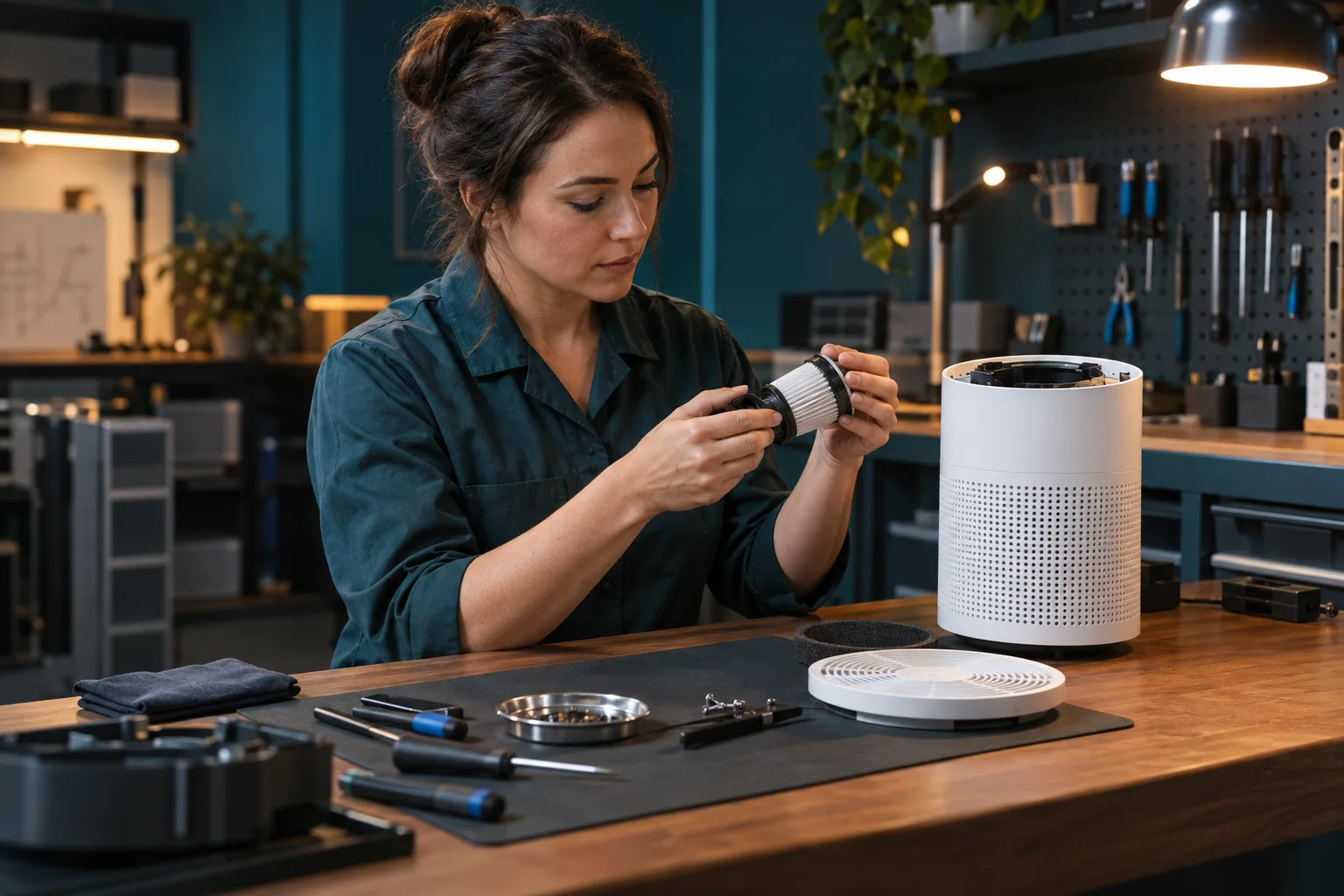 TECHNICAL SERVICE & AFTER SALES
SAMPLE SUPPORT CARD
One problem. A regular start.
DeviceAirPure / Air purifier
NeedUnusual noise while operating
Next step↗ Technical team review
04 / A COMPLETE FIRST RECORDING
Let your team solve the problem—
Let your team solve the problem—
not search for the context.
Do not leave product model, problem description and return preference in scattered messages. Design a request flow that the service team can review.
- Where is it used?
- On after-sales support, device help and service reference pages.
- How does it proceed?
- Listens to the problem → asks for necessary details → verifies the summary → opens a support case.
- Output of the conversation
- A trackable service request with an issue summary and contact preference.
 REAL ESTATE & PROJECT SALES
SAMPLE NEEDS SUMMARY
A new house. Clarified expectations.
2+1 · Bright · Close to transportation
Next step: consultant meeting ↗
05 / THE RIGHT REQUEST TO THE RIGHT CONSULTANT
Understand every visitor
Understand every visitor
behind an enquiry.
Find out the location, number of rooms, budget range and moving plan. Your consultant should start the meeting by knowing the customer's expectations.
- Where is it used?
- Listing details, project introductions and on the real estate office's website.
- How does it proceed?
- Asks about expectations → explains ad information → collects booking or callback request.
- Output of the conversation
- Lead with summarized preferences and approved contact request.
 B2B · AGENCY · PROFESSIONAL SERVICE
SAMPLE PRELIMINARY INTERVIEW
A good proposal starts with a good brief.
01Need & scope✓
02Calendar & priority✓
03Consultation with an expert↗
06 / PREPARATION FOR THE FIRST MEETING
Turn every “Can I learn more?”
Turn every “Can I learn more?”
into the start of an opportunity.
Clarify the initial need for the agency, software company or professional services team. Know the scope and priorities before starting a sales call.
- Where is it used?
- On service pages, request for proposal and corporate communication areas.
- How does it proceed?
- Asks about the company's needs → explains the scope of service → approves the meeting request.
- Output of the conversation
- Needs summary and callback recording that can be passed on to the sales team.
These areas are sample usage designs. Live business connections, authorizations and transfer rules are established within the scope of the project. Images are produced with artificial intelligence.
MORE THAN THE ANSWER
It starts with a sentence.
Reaches the next step.
See how an installation request becomes clear in the example below. Each step has a purpose: to understand, to control, to get approval.
It is a ready-made scenario animation. The microphone is not turned on, a real appointment is not created.
k.
Installation appointmentFICTIONAL INTERVIEW
01 / 04
01 / UNDERSTAND THE NEEDRequest: product installation
GOOD EXPERIENCES START AT THE FIRST CONTACT.
MAKE SPACE FOR YOUR TEAM
to repetitive questions
a welcome point.
The human touch to special situations.
The needs of the customer who wants to know the working hours are not the same as the customer who expects a special solution. Set up routine information and initial registration steps with Kapsiva; Leave matters that require expertise and decision-making to your team.
How does it adapt to your business?SAME BUSINESS INFORMATION. DIFFERENT TOUCH POINTS.
Where your customer is.
It depends on the core of your business.
The starting point is your website. Other channels and business tools can be added via separate integrations based on your needs.
your websiteCurrent demo interface
Preview
Phone & messagingPhone, WhatsApp, email
integration
k.KapsivaUnderstand · Validate · Transact
Your business toolsCatalog, calendar, order, CRM
integration
Your teamRequest summary & follow-up step
Configuration
Phone, WhatsApp, email, and external CRM connections are not active in this demo. Live audio experience on the web also requires API configuration.
SPECIAL INSTALLATION FOR YOUR BUSINESS
Not everything at once.
Start from the right place.
First we select a single valuable workflow. We test it with real questions, define its boundaries, and then expand its scope.
-
01
We learn your business.
The most frequently asked questions, product and service information, opening hours and response rules are brought together.
OUTPUT / INFORMATION & SCENARIO SCOPE -
02
We connect the right tools.
According to the selected flow, the access possibilities of your catalog, calendar or support system are evaluated and a connection is established.
OUTPUT / DATA & PROCESS CONNECTIONS -
03
We define the guardrails together.
Which information should be verified, which transactions should require approval, which should be left to a human? Rules are determined.
OUTPUT / APPROVAL & TRANSFER RULES -
04
We learn through a focused pilot.
Sample conversations and error cases are tested. Response quality, completed actions, and team feedback are evaluated.
OUTPUT / FIRST TESTED SCENARIO
CONTROL IS PART OF THE DESIGN
His authority is clear.
His next step is clear.
Knowledge-grounded answers.
Information such as products and orders are queried from defined sources. Unknown information should not be presented as if it is certain.
Explicit approval before action.
Important details for appointment, support and callback registration are summarized; Confirmation is requested from the customer.
Human handoff when it matters.
Team follow-up is planned for unauthorized requests. Transfer to the live agent is set up separately with the channel and support system to be used.
WHAT'S ON YOUR MIND
To your first questions
clear answers.
Together we can clarify the scenario suitable for your business.
Ask usIs Kapsiva only for a specific industry?
No. It is designed for workflows common to many industries, such as sales, order tracking, appointment and support. It adapts to your business's information sources and transaction rules. It is not a substitute for expert medical, legal or financial decisions.
What works in the demo on this page?
Web interface, scenario selection and sample flow animation can be examined. Live voice calling is enabled when the API switch is configured. Luma Living and demo data are fictional; It is not connected to the actual store, hotel, payment or messaging system.
Can I use it with my existing software?
The connection depends on the API and access capabilities of the system you are using. Scope for catalogue, order, calendar and CRM is evaluated first. It should not be assumed that there is ready integration with every software; If necessary, a special connection is developed.
Is a separate mobile application required?
In the first stage, no. This web experience is compatible with phone screens and can be added to the home screen in supporting browsers. It is not an App Store or Google Play app. Separate mobile app can be planned when team notifications and on-the-go operations management are required.
How is customer data handled?
Do not enter any real personal information into this demo. The call transcript is shown on the screen, Kapsiva is not saved in the database; Transaction records can be kept in the demo storage used. Data scope, storage period, access and necessary clarification processes should also be determined before live use. For details privacy page Look.
How are the installation and usage fees determined?
Scope is derived based on the number of workflows, required integrations, channels, and expected conversation volume. The costs of using artificial intelligence and channel providers are also evaluated. There is no fixed commercial package released for this preview; You can contact us for a specific scope and offer for your business.
LET'S START WITH AN INTERVIEW
What's next for your business?
Let's design your best experience.
Tell us about your most common customer question.
Let's build your first Kapsiva scenario around it.